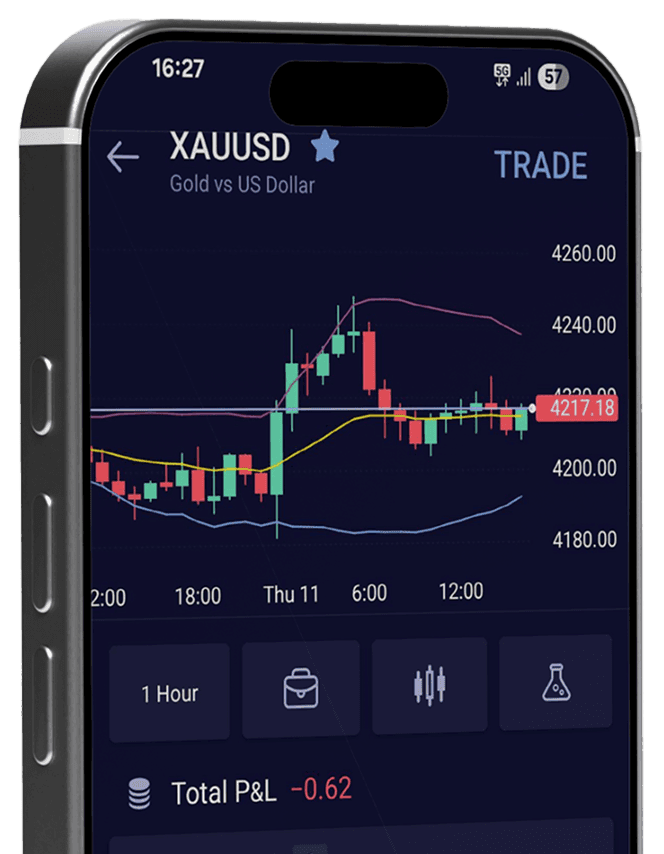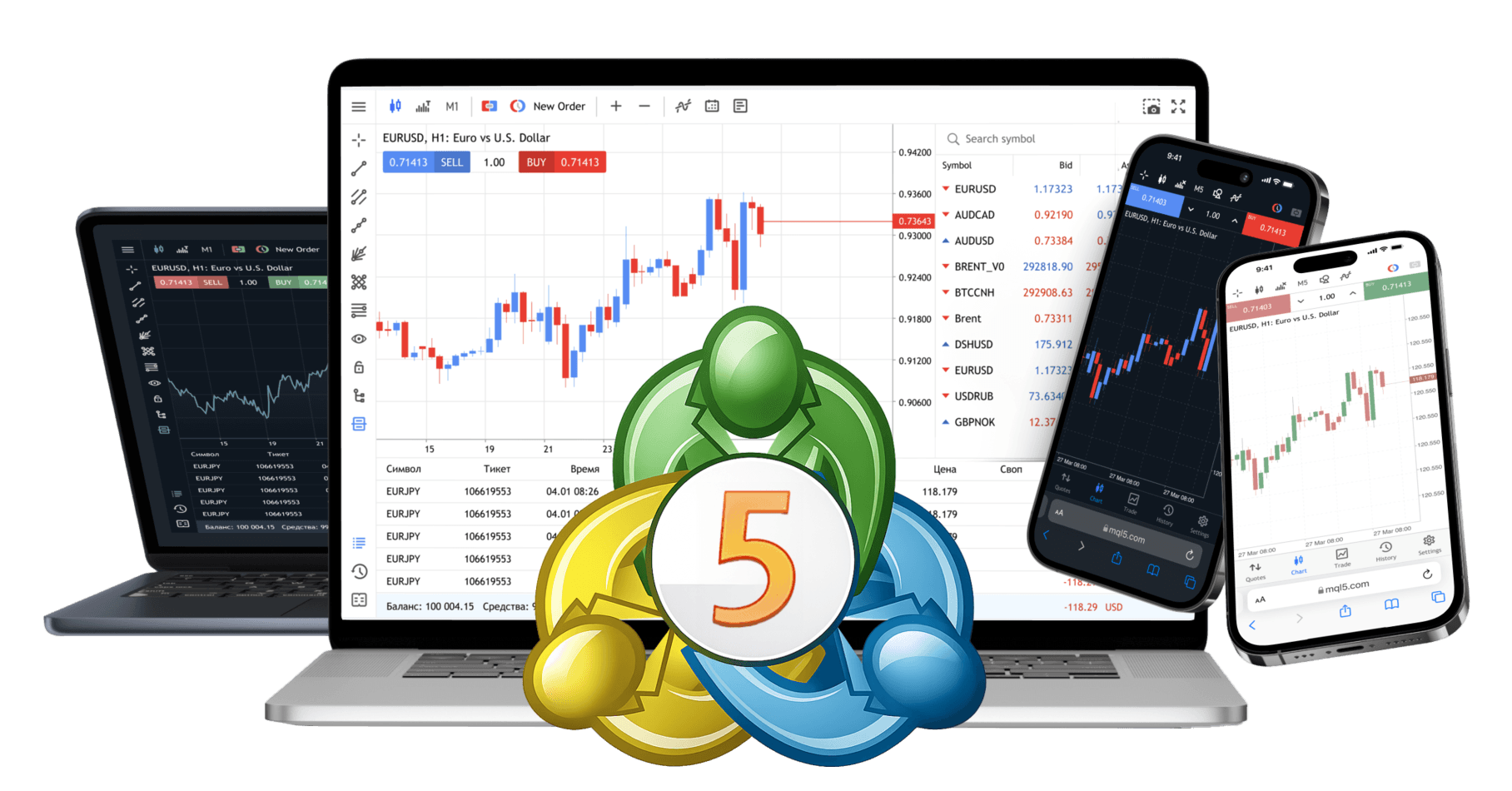
Trade with MetaTrader 5
Trade smarter with MetaTrader 5, advanced charts, flexible order types, and powerful position management built for serious traders.
How to install MT5 platform
Use advanced trading tools to improve performance and stay ahead in forex trading.
Step 1: Download and run the setup file. A MetaTrader 5 Setup window will appear. Read and accept the License Agreement. Click “Next” to continue.
Step 2: Installation progress will be shown in a dialogue window. Wait for the installation to complete.
Step 3: Once the installation is successfully completed, click “Finish” button to launch the CXM MT5 trading platform.
Step 4: Following successful installation, MT5 will launch with its default parameters. You can use the login details sent to you via e-mail for logging into the MT5 platform.
Download MT5 Platform
Download CXM’s MT5 platform for desktop or mobile using the links below.
FAQs
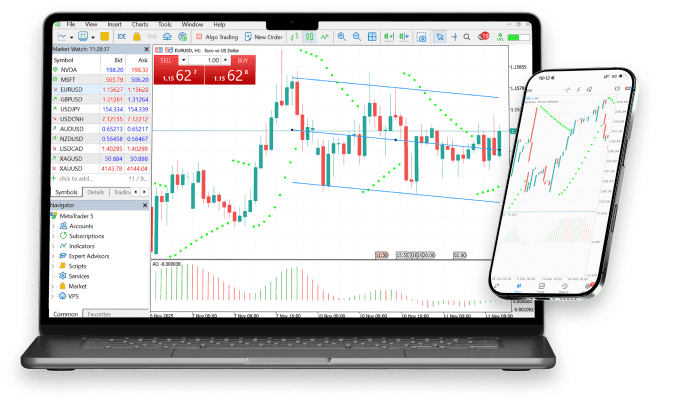
A popular and technologically advanced trading terminal with access to a depth of market and other advanced solutions.
- New order types that combine stop orders with limit prices (Buy Stop Limit and Sell Stop Limit) will help you to execute your trading strategies more effectively.
- MQL5 is a powerful programming language used to create Expert Advisors and indicators.
- Code Base offers access to a database of technical indicators for efficient market analysis.
- The MT5 Bridge technology offers access to interbank liquidity.
The MetaTrader 5 trading platform offers more than 20 technical indicators and 12 timeframes. The platform also includes a built-in strategy tester, as well as interactive charts.
On the top Menu bar, select INSERT > INDICATORS.
You can also navigate to the Navigator section and insert chart indicators from there.
- The steps are as follows:
- On the top Menu bar, select INSERT > INDICATORS.
- You can also navigate to the Navigator section and insert chart indicators from there.
On the top Menu bar, select CHARTS > BAR CHART or use the keyboard shortcut (Alt+1)
- Yes, you can trade mini lots (10K) using the MetaTrader platform.
- Here is the scale that we use for trading lot sizes on MetaTrader:
- 0.01 lots = 1,000 units of base currency (or dollars) Our "micro" lot size.
- 0.10 lots = 10,000 units of base currency (or dollars) Our "mini" lot size.
- 1.00 lots = 100,000 units of base currency (or dollars) Our "standard" lot size.
- Please note that trading in lot sizes that are not shown in the scale above is possible. An example would be an open a lot position of 0.60 (60,000 units), an 8.00 lot position (800,000 units), and even a 3.20 lot position (320,000 units).
- Also, note that other brokers may use a different scale to trade certain size lots. For instance, another broker may show 1.00 lots on a mini account as 10,000 units
To add time periods to the main menu bar, select VIEW > TOOLBARS > PERIODICITY. (If needed) Use the following legend for applying time periods to charts:
- M1 = 1-minute chart
- M5 = 5-minute chart
- M15 = 15-minute chart
- M30 = 30-minute chart
- H1 = 1-hour chart
- H4 = 4-hour chart
- D1 = daily chart
- W1 = weekly chart
- MN = monthly chart
Within the Market Watch window, all of the currency pairs eligible to trade can be viewed by right-clicking within this section and selecting 'Show All'. All currency pairs will appear thereafter.







Ready to Start Trading?
Got a cell phone, a tablet or a laptop? Build your strategy and manage your trading positions 24/7/365 wherever you may be. CXM makes trading easier for you with just a click on a button. Because trading never stops!